
Why choosing the right USCIS case tracker matters
Choosing a USCIS case tracker is not simply a question of finding another way to enter a receipt number. The real decision is how much effort, context, and responsiveness you need while waiting for an update on an I-485, I-765, I-130, I-751, or N-400 case.
Manual checking remains useful because the USCIS online case status tool is a primary place to verify a case. However, repeatedly checking the same page can become stressful, especially when you are working, studying, caring for family, or monitoring several applications at once.
A practical tracker should reduce repetitive work without encouraging false confidence. A status message is information about case activity, not a promise of a decision, a fixed processing date, or a favorable outcome.
Consider a family with an I-485, an I-765, and an I-130 in progress. A single manual routine may require checking each receipt number separately, recording changes in a spreadsheet, and remembering what each previous message said. The more cases involved, the easier it becomes to miss a change or lose the surrounding timeline.
The best evaluation starts with the outcome you want from monitoring. Some applicants need occasional visibility, while others need a notification so they can review a notice, contact counsel, prepare documents, or understand what changed without refreshing the USCIS website throughout the day.
How to choose a USCIS case tracker step by step
Step 1 — List every receipt number and form type: Create a simple inventory of the cases you want to monitor, including the form, receipt number, applicant, filing date, and current status. Separating I-485, I-765, I-130, I-751, and N-400 cases prevents a notification for one family member from being confused with another.
Step 2 — Define your response requirement: Ask how quickly you need to know that a status changed. If a notification is mainly for convenience, periodic checks may be enough; if a change could prompt document preparation or a conversation with an attorney, alerts through a channel you already use may be more practical.
Step 3 — Check the source and verification process: A tracker should clearly explain where case information comes from and how users can verify it. Compare every important alert with the USCIS case status page and any mailed or account-based notice before taking action.
Step 4 — Look for a complete change history: A current status alone does not show how a case progressed. Prefer a system that records timestamps, previous statuses, and the receipt number so you can reconstruct events for your own records or discuss them accurately with legal counsel.
Step 5 — Review notification channels: Email may be sufficient for occasional updates, while Telegram can be more visible for people who use it daily. Check whether the service also supports alternative channels, what happens if a message is missed, and whether notifications contain enough detail to identify the case.
Step 6 — Calculate the total cost for all cases: Compare recurring subscriptions with one-time pricing, especially when a household has multiple applicants. Include the cost of adding a later case, not just the initial price displayed on a landing page.
Step 7 — Set a verification and action routine: Decide in advance what you will do after an alert: verify the USCIS source, save the notice, check deadlines, and consult an immigration attorney when interpretation is needed. Monitoring is most useful when it connects information to a careful next step.
The essential USCIS tracker features to compare
Coverage is the first filter. A tracker that works for only one form may force families to use separate tools for related cases, so confirm support for the forms relevant to your household. For example, a person waiting for an EAD may need I-765 monitoring, while a relative petition or permanent residence application may involve I-130 or I-485 tracking.
Alert timing is the second filter, but timing needs precise wording. Look for continuous monitoring and a clear explanation of how changes are detected rather than accepting an unsupported promise that every update will arrive instantly. The USCIS guide to case processing times can help you distinguish a status notification from a processing-time estimate.
History is often more valuable than a single alert. When a case appears unchanged for weeks, a timeline can confirm what was previously recorded, identify when a message changed, and provide an organized reference for a consultation with counsel.
Silent updates deserve particular attention. Some monitoring systems are designed to identify activity that may not be obvious during a routine visit to the public status page, but users should still verify important information through USCIS and retain official notices.
Usability also affects reliability. A tool that requires complicated setup, unclear receipt-number formatting, or frequent reauthentication may be abandoned after a few days. Test the onboarding process with one case before adding a larger family group.
Finally, inspect the data practices. Understand what information is required, whether payment is recurring, how cases are removed, and how notification accounts are connected. A receipt number is not a complete case file, but it should still be handled carefully and never posted publicly.
Manual checks, basic alerts, or continuous monitoring?
Manual USCIS checks: provide direct control and cost nothing, but they depend entirely on memory and consistency. They work reasonably well for one low-urgency case when the applicant already has a weekly review routine.
Email or account notifications: can reduce the number of page visits, yet they may be overlooked among newsletters, workplace messages, and automated mail. They are a practical starting point for applicants who check email frequently and do not need a consolidated timeline.
Telegram alerts: are useful when a person treats Telegram as a primary messaging channel. They can make a changed status more visible, but the recipient should still open the relevant USCIS source and read the full notice before deciding what to do.
Continuous monitoring: is most valuable for people who cannot check manually several times a day, families with multiple receipt numbers, and applicants who want a record of changes. Its value depends on transparent coverage, understandable alerts, and a sensible verification process.
A tracker does not replace USCIS notices: document storage, or legal guidance. If a message appears inconsistent, a notice has a deadline, or the case raises a legal question, preserve the evidence and seek advice from a qualified immigration attorney.
Where OPSControl fits in a case monitoring strategy
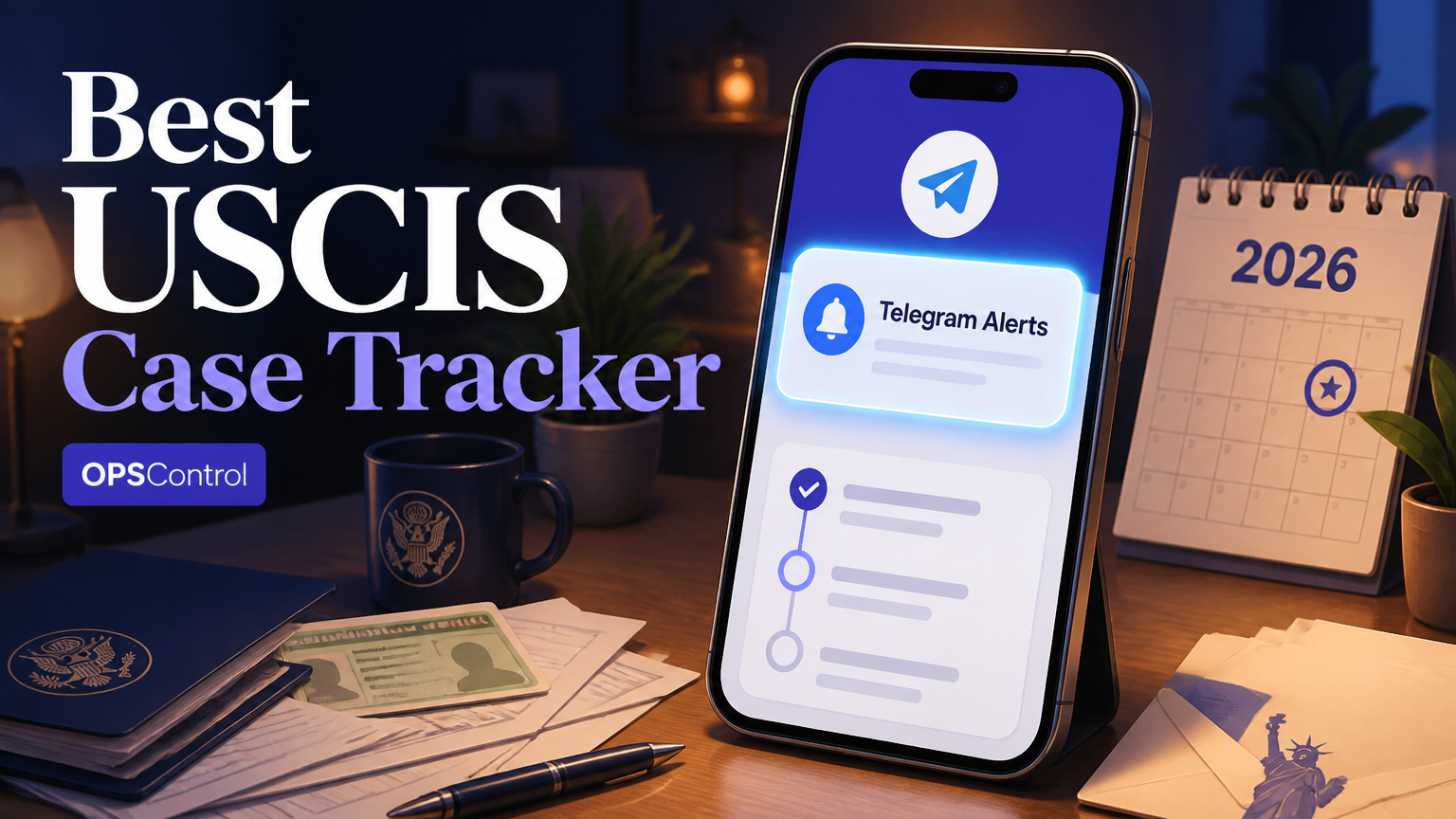
OPSControl is designed for applicants who want continuous monitoring based on a USCIS receipt number rather than repeated manual searches. It supports commonly used forms including I-485, I-765, I-130, I-751, and N-400, with Telegram notifications when a monitored status changes.
The service uses a one-time price of $1.99 per case instead of a recurring subscription. Families monitoring several cases receive the same flat price of $1.99, so the relevant calculation is the total number of cases rather than the price of monitoring one applicant.
A practical example is an applicant waiting for an I-765 update while also following an I-485 case. The person can receive a Telegram notification when activity is recorded, review the status through USCIS, and then decide whether to organize documents, watch for a notice, or contact counsel.
OPSControl also keeps a case history and is designed to detect silent updates that may be easy to miss during occasional checks. Monitoring continues until the case reaches a conclusion, then stops automatically according to the service description.
This approach does not alter the case, influence USCIS processing, or interpret legal consequences. It is a monitoring layer that can reduce repetitive checking, while the applicant remains responsible for reviewing official notices and responding appropriately.
For a closer look at message delivery and practical setup, see this guide to USCIS Telegram alerts.
What to do after a USCIS case status alert
Step 1 — Identify the case: Match the alert to the applicant, form type, and receipt number. Families should avoid relying only on a first name because several cases can share similar names or filing dates.
Step 2 — Verify the change: Open the USCIS case status page and enter the receipt number directly. If the case is also visible in a USCIS online account, compare the information there and save a screenshot or PDF for your records.
Step 3 — Read the exact wording: Do not treat a general movement in status as a final decision. Read the full message, check whether a separate notice is referenced, and look for any date or response instruction.
Step 4 — Update your timeline: Record the date you received the alert, the date shown by USCIS, the prior status, and the new status. A dated timeline is easier to review than a collection of screenshots with unclear filenames.
Step 5 — Choose the appropriate response: Some updates require only continued observation, while others may justify preparing documents or asking an attorney a focused question. Never infer legal eligibility or a required filing solely from a notification headline.
Common USCIS case tracking mistakes to avoid
The most common mistake is treating a tracker as the only source of truth. Monitoring tools are convenient, but USCIS pages, online account messages, and mailed notices may contain details that a short alert cannot reproduce.
Another error is entering a receipt number incorrectly. USCIS receipt numbers generally contain three letters followed by a series of numbers, and similar characters can be confused when copied from a scan. Enter the number carefully and keep the original receipt notice available for comparison.
Applicants also often mix up processing time research with individual case movement. Processing-time pages describe estimates or inquiry guidance for groups of cases, while a tracker reports activity associated with a particular receipt number. Neither resource guarantees when a decision will occur.
Do not ignore an update because the wording looks familiar. A case may move from one stage to another without an obvious change in the applicant's daily circumstances, and a later notice may require attention. Save the message, verify it, and review any stated instruction.
Multiple family cases create a final risk: poor labeling. Use a consistent format such as 'Applicant, form, receipt number' in your notes, notification labels, and document folders. The I-485 status tracker guide and EAD renewal alert guide provide more form-specific context for building that routine.
When a case has an unusual history, a missed deadline, a request for evidence, or a question about legal strategy, tracking alone is not enough. An immigration attorney can evaluate the facts and explain available options, while a monitoring service can help you notice and organize new case activity.
A final checklist for selecting your USCIS case tracker
Before choosing a service, confirm five basic facts: which USCIS forms it supports, how often it checks for changes, where alerts are delivered, whether it stores a history, and how pricing works. Ask the provider to explain limitations in plain language rather than relying on broad claims about complete visibility.
Next, test the service against your actual situation. A single I-130 case may need only occasional notifications, while a household with I-485, I-765, and I-751 cases may benefit from labels, consolidated history, and a notification channel that is difficult to overlook.
Cost should be measured against the time and stress the process creates, not against the promise of a particular case result. A one-time fee can be easier to understand than a subscription, but only if the monitoring period, supported forms, and treatment of completed cases are clear.
For many applicants, the strongest setup is hybrid: use automated monitoring for awareness, verify every important change with USCIS, maintain a document timeline, and obtain legal guidance when the situation requires interpretation. That combination preserves control without making manual checking the center of every day.
If you are comparing tools in more detail, review the USCIS case tracker with Telegram alerts guide and compare its criteria with your own case inventory. The right choice is the one that fits your forms, notification habits, family size, privacy expectations, and need for historical context.