The best USCIS case tracker depends on how you handle waiting
Choosing a USCIS case tracker is a practical buying decision for anyone waiting on an immigration filing. The right tool should reduce repetitive checks without suggesting that a notification guarantees a particular outcome or processing date.
A manual routine usually looks simple: open the USCIS case status page, enter the receipt number, review the message, and repeat the process later. Over several weeks or months, that routine can become distracting, especially when a family has several receipts to monitor.
The most useful tracker does more than display the latest message. It should watch the case over time, preserve a readable timeline, identify meaningful changes, and notify you through a channel you already check. For many applicants, Telegram is more practical than relying on email alone.
Before choosing a service, confirm which forms it supports, how it charges, whether monitoring ends after the case is completed, and whether you can review previous changes.
What to look for in a USCIS case tracker
Receipt-number monitoring: A useful service should let you register the receipt number associated with a filing and keep checking the available USCIS case information without requiring repeated manual searches.
Change-based notifications: Alerts should focus on a detected status change rather than sending noise on every routine check. The message should identify the receipt, the previous status when available, and the new status so you can decide what to do next.
Silent update detection: Some case activity may not appear as an obvious new public message during a casual visit. A tracker that compares observations over time can help surface changes that a one-time manual check might miss, although no monitoring system should be treated as a guarantee that every possible system event will be visible.
A complete activity history: A timeline gives you a practical record for personal organization, a conversation with an immigration professional, or a review of when a message first appeared. Save official notices as well, because a tracker history is not a replacement for USCIS correspondence.
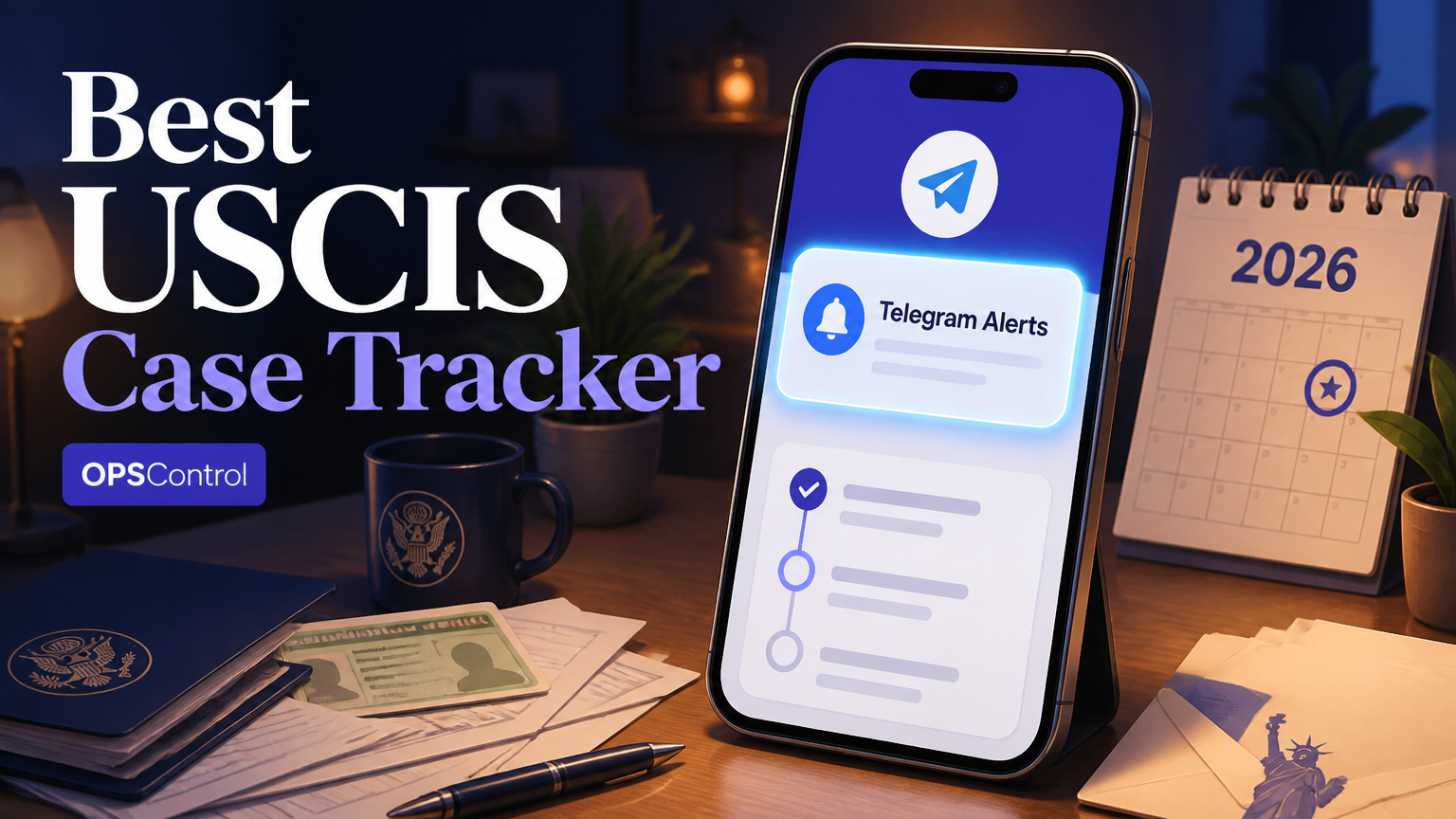
Flexible notification channels: Telegram can be convenient for near-real-time alerts, while email or SMS may suit people who do not use messaging apps regularly.
Transparent pricing: A one-time charge per case is easier to understand than an indefinite subscription when the monitoring need is tied to one filing.
Automatic completion handling: Monitoring should stop when the tracked case reaches a completed state, helping prevent unnecessary notifications and making the account easier to manage.
OPSControl review: where the service fits
OPSControl is designed for applicants who want continuous USCIS case monitoring through a receipt number, rather than another dashboard that requires daily attention. It supports commonly followed forms such as I-485, I-765, I-130, I-751, and N-400, subject to the service's current coverage and data availability.
The main workflow is intentionally narrow. You add a case, select a notification route, and allow the service to compare available status information over time. When a change is detected, OPSControl sends an alert through Telegram and keeps a history of the observed updates.
That model is useful for several common situations. An applicant waiting on an I-485 update may want time to organize documents before an appointment, while someone following an I-765 filing may need to understand that a status change has occurred before checking the details and planning next steps.
Families can also use the same approach for multiple receipts. The listed price is $1.99 for one case with a one-time payment, and the flat $1.99 rate applies to every case.
The service is a monitoring and notification tool, not a government office or legal practice.
How to set up USCIS alerts through Telegram
Locate the correct receipt number: Use the receipt notice associated with the filing and copy the receipt number carefully. It commonly begins with three letters followed by numbers, and one mistyped character can prevent a match.
Select the case and notification option: Add the filing to the monitoring service and choose Telegram if you want messages in a chat app. Confirm that the form type and receipt number describe the same case before completing payment.
Connect the Telegram conversation: Follow the service instructions to authorize notifications within your own Telegram account. Send a test or confirmation action when requested, then check that the alert destination is correct.
Record the starting point: Review the first displayed status and note the filing date, receipt date, and any deadline shown on official documents. This baseline makes later changes easier to understand.
Read each alert before acting: Treat an alert as a prompt to verify the case details, not as a substitute for an official notice.
Keep documents separate from status history: Store notices, forms, evidence, and appointment information in a secure folder. The tracker can organize observed status changes, but it should not be your only record.
Telegram, email, or SMS: which USCIS alert channel should you choose?
Telegram is a strong choice when you want a visible message in a dedicated conversation instead of another email mixed into an inbox. It can also be convenient for families that want to review alerts on a phone and keep a simple communication trail.
Email remains useful when you already organize filing records in folders or need to forward an update to a household member. Its weakness is discoverability: important messages can be filtered, buried, or overlooked among routine communications.
SMS is direct, but it is usually better for short prompts than for detailed case context. It may also depend on mobile service, carrier filtering, and the phone number registered with the monitoring account.
A sensible setup uses one primary channel and one disciplined verification habit. For example, use Telegram for the alert, then confirm the change through the USCIS case page and check whether a formal notice has arrived.
How applicants use status alerts in real life
Consider a household tracking four receipts: one I-485, one I-765, and two family-related filings. Without a shared routine, each person may check a different page and miss when one case moves. A centralized history makes it easier to see which receipt changed and when the observation occurred.
For an employment-related filing, an alert can help the applicant remember to verify the latest message and review any relevant notice.
For an I-130 or I-751 filing, the value is often continuity. A person who checks only once every few weeks may not remember the previous wording, while a timeline can show the sequence of messages and support a more organized conversation with counsel.
For an N-400 filing, a notification can reduce the need to repeatedly search while the applicant continues preparing according to the instructions already received.
Pricing, privacy, and common objections before purchase
One-time payment versus subscription: The stated $1.99 price per case avoids an ongoing monthly fee for that case.
Multiple family cases: If several receipts need monitoring, calculate the total before checkout. The same flat pricing applies to new cases at $1.99 each.
Notification reliability: No online notification route should be treated as infallible.
Data handling: Before entering a receipt number, review the provider's privacy information and understand what account data is collected, how payment is processed, and how you can remove a case.
Legal interpretation: A tracker reports observed case information. It does not explain the legal effect of every message.
Processing times: A status alert tells you that information changed, not when the next event will happen.
Manual backup: Keep a recurring but less frequent manual check, save official notices, and maintain a calendar for known appointments or response dates.
Is a USCIS case tracker worth paying for?
The answer is usually strongest when checking has become a daily habit or when several family receipts must be watched at once. If you check once a month and already have a reliable document system, a paid tracker may add less practical value.
A simple time calculation can clarify the decision. Spending five minutes checking twice per day equals about 300 minutes over 30 days, or five hours.
Choose a tracker when you want change-based alerts, a historical record, Telegram delivery, and support for the forms you are following. Avoid choosing based only on words such as instant or automatic.
Before paying, confirm the receipt number, supported form, price, notification method, data practices, and cancellation or removal process.