What Are Control Ops?
Control ops — short for control operations — is the discipline of running, monitoring, and steering a system through a central command function. It appears in a huge range of settings, from military command-and-control and emergency response to industrial process control and even software deployment pipelines. At its core, control ops is about having a single, trusted view of what is happening and being able to act on it decisively.
The Core Concept: Command-and-Control
The idea of command and control (often abbreviated C2) predates computers. Military doctrine defines it as the exercise of authority and direction by a designated commander over assigned forces in the accomplishment of a mission. The same idea applies anywhere a decision-maker needs to direct a team of operators responding to changing conditions.
A modern command-and-control system collects data from many sources, presents it in a unified picture, and gives the operator tools to issue commands. The goal is to shorten the loop between "something changed" and "something was done about it."
The Key Functions of a Control Ops Team
Effective control operations rely on a handful of repeatable functions. Monitoring is the continuous collection of status data. Situational awareness is turning that data into a shared understanding of what is happening right now. Decision-making is identifying the right response among the available options. Execution is pushing that decision out to the field or the system. Finally, review closes the loop: after an event, the team reviews what happened and updates procedures so the same mistake is not repeated.
How the Loop Works in Practice
In practice, control ops follow a version of the OODA loop — observe, orient, decide, act — popularized by military strategist John Boyd. Observe: detect a change in the system. Orient: place the change in context against the operating picture and procedures. Decide: pick a response. Act: execute it and feed the result back into observation.
The teams that run well are not necessarily the ones with the best technology; they are the ones that compress the loop at every stage. Faster observation, better orientation, quicker decisions, and reliable execution all compound into outcomes that look almost effortless from the outside.
Command Operations Across Industries
The same pattern shows up in very different clothing across industries. A network operations center (NOC) watches traffic graphs and pager alerts. An emergency dispatch center reads incident reports and assigns units. An industrial control room watches temperature, pressure, and flow and adjusts setpoints. A software release team checks CI/CD pipelines and triggers rollbacks.
In every case, the operator faces the same underlying question: is the system behaving as intended, and if not, what is the one action that restores it? Control ops is the skill of answering that question quickly and correctly.
Tools That Power Control Ops
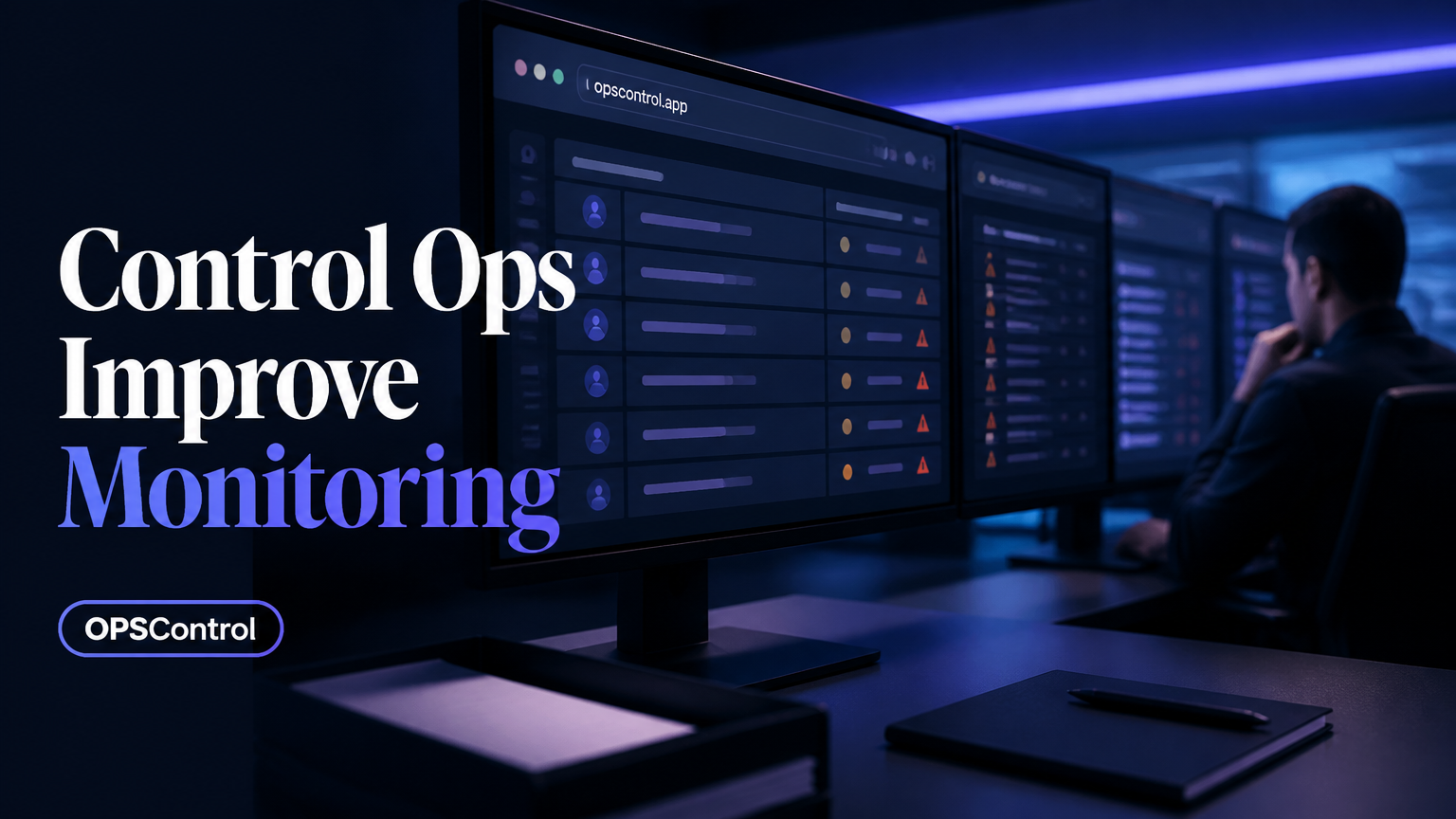
Control operations rely heavily on tools that give operators visibility and leverage. Dashboards aggregate status into a single screen. Alerting rules detect thresholds and notify the right person. Runbooks encode the steps for known scenarios so that anyone can execute them under pressure. Automation carries out repeatable actions without human involvement, and audit logs preserve a record of what was done and why.
The best setups do not treat these tools as ends in themselves. They use them to make the operator's judgment more effective — not to replace it.
The Role of Automation
Automation changes the character of control ops. Routine, predictable actions — restarting a service, failing over traffic, acknowledging a known alarm — can be handled by software, freeing human operators to focus on novel or ambiguous situations. The boundary between what to automate and what to keep human is a constant design question.
A practical rule is to automate anything that is repeatable, well-understood, and has a clear desired outcome, while keeping humans in the loop for anything that involves judgment, risk, or incomplete information.
A Practical Worked Example
Consider a simplified workflow: a monitoring tool detects that a service's error rate has crossed a threshold. An automated component isolates the affected traffic and pages the on-call operator. The operator consults a runbook, confirms the blast radius from the dashboard, applies a rollback, and watches the error rate return to baseline. Once stable, the operator files a postmortem that captures what happened and which procedure should be updated.
Every step in that sequence is a control operation. The discipline is in making each step easy to identify and execute, even — especially — when things go wrong.
Seven Principles for Running Control Ops
Several principles separate effective control operations from chaotic ones. First, keep a single source of truth for status — one connected system, not disconnected spreadsheets. Second, make the operating picture legible, with the most important information the most prominent. Third, define clear escalation paths before an incident, not during one. Fourth, prefer reversible actions so you can undo a bad decision. Fifth, document runbooks and keep them current. Sixth, practice on a regular cadence so people are not seeing the playbook for the first time during a real event. Seventh, review every significant operation and feed the lessons back in.
Frequently Asked Questions
Here are the questions people most often ask when they start building or running control operations.