Why Tracking Your I-140 Case Status Matters
For employment-based immigrants, the I-140 petition (Immigrant Petition for Alien Worker) is one of the most important documents in the entire green card process. Filed by your employer on your behalf, its approval establishes that you qualify for a specific employment-based visa category and reserves a priority date that will determine how soon you can apply for an immigrant visa or adjust status.
Because the I-140 approval is a gatekeeper for everything that comes after it, staying on top of its status is essential. A single missed update — a Request for Evidence (RFE), a change in case status, or a notice that your petition is stuck — can delay your plans by months. That is why so many applicants now use automated tracking tools to monitor their petitions around the clock.
Understanding the I-140: What It Is and Why It Matters
The Form I-140 is used by U.S. Citizenship and Immigration Services (USCIS) to determine whether a foreign national can be sponsored for permanent residence based on their job skills and experience. Unlike family petitions, the I-140 is tied to an offer of employment from a U.S. employer, and in most cases it must be accompanied by a labor certification from the Department of Labor (PERM) proving that no qualified U.S. worker is available for the position.
Once approved, the I-140 establishes your priority date — the date your PERM labor certification was filed, or the date the I-140 was filed if no labor cert is required. This priority date is the single biggest factor in how quickly you can move forward, because the number of employment-based green cards issued each year is capped and distributed in order of priority date.
How to Check Your I-140 Case Status Online
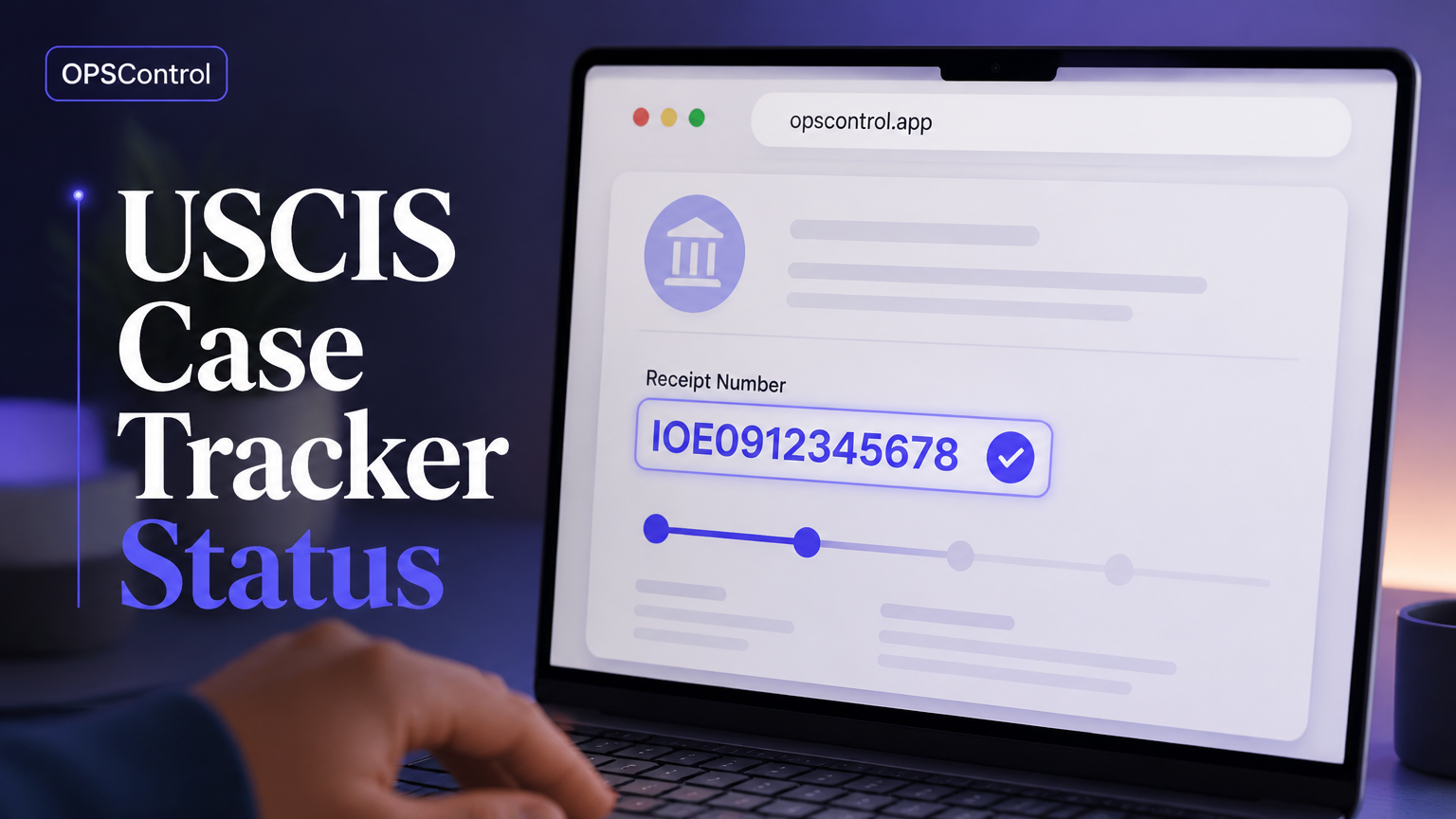
USCIS provides an official online tool for checking your case status. The fastest and most reliable way to check your I-140 status is on the official USCIS Case Status Online page. You will need your 13-character receipt number, which you can find on your Form I-797 Notice of Action.
To use the tool, simply visit the USCIS case status page, enter your receipt number, and click "Check Status." The system will tell you the current status of your petition, when it was last updated, and what the next steps are likely to be. This is the same source of information used by immigration attorneys and is considered the authoritative place to check.
What the I-140 Case Statuses Mean
Depending on the stage of your petition, the USCIS case status tool will return one of several messages. Understanding what each one means will help you avoid panic and know what action, if any, is required of you.
Common statuses include: "Case Was Received" (your petition is in the USCIS system but not yet assigned), "Case Is Being Actively Reviewed" (an officer is examining your file), "Request for Evidence Was Sent" (USCIS needs more information — respond by the deadline or your case will be denied), "Case Was Approved" (your petition is approved — check the approval notice for your priority date), and "Case Was Denied" (a serious situation — you may be able to file a motion to reopen or appeal).
Why Manual Checking Is Not Enough
The problem with manual tracking is that USCIS status updates occur at unpredictable intervals, and there is no reliable schedule you can work around. A petition can sit in one status for months, then move forward three times in a single week. Checking once a day — or even once a week — means you are likely to miss important updates until days after they happen.
Some updates are particularly easy to miss because USCIS makes them without sending you any direct notification. Known as "silent updates," these changes to your online status do not trigger an email or a text message, and the only way to catch them is to check the portal yourself. This is where automated monitoring tools become valuable.
How OPSControl Keeps You Informed
OPSControl was built to solve exactly this problem. Instead of asking you to check the USCIS portal day after day, it monitors your case automatically and sends you a notification the moment your status changes — including silent updates that most applicants would never catch on their own.
The service supports all the main petition types, including I-140, I-485, I-765, I-130, I-751, and N-400. You add your receipt number once, and OPSControl checks the portal continuously until your case reaches a terminal status. Every change is stored in a timeline you can review at any time, so you always know exactly where your case stands and what happened when.
Responding to a Request for Evidence (RFE)
A Request for Evidence is one of the most common reasons an I-140 case stalls. When USCIS sends an RFE, it is asking you to provide additional documentation to support your petition — typically proof of your qualifications, the employer's ability to pay, or evidence that the job duties match the requested category.
The deadline on an RFE is usually 87 days from the date it was issued, and missing it is one of the easiest ways to have a petition denied. Because RFEs are sent by mail and can arrive after a delay, and because the online status often updates before paper notices arrive, monitoring your status actively gives you a head start on preparing your response.
Tracking Your Priority Date
Behind your case status, the priority date is the number that actually determines your timeline. Each month, the Department of State publishes a Visa Bulletin that shows which priority dates are current for each employment-based category and country. Your "PD" must be current (or soon to become current) before you can file for adjustment of status or complete immigrant visa processing.
Because priority dates move based on demand, they can retrogress (move backward) as well as advance. Keeping an eye on the Visa Bulletin, alongside your case status, gives you a complete picture of where you stand — and OPSControl helps you track the underlying petition so that the moment your date becomes current, you are ready to act.
Frequently Asked Questions
Below are the questions most applicants have about I-140 case tracking, answered plainly.