Your I-140, Explained Briefly
The Form I-140 (Immigrant Petition for Alien Worker) is how your U.S. employer sponsors you for permanent residence in a specific employment-based category. Its approval establishes your eligibility and locks in your priority date — the position in line that determines when you can move to the next step.
Because the I-140 approval sets the pace for everything after it, tracking its status matters. This guide walks through the official online tools, the most common statuses, and how to keep yourself informed without checking a portal all day.
Step 1: Find Your Receipt Number
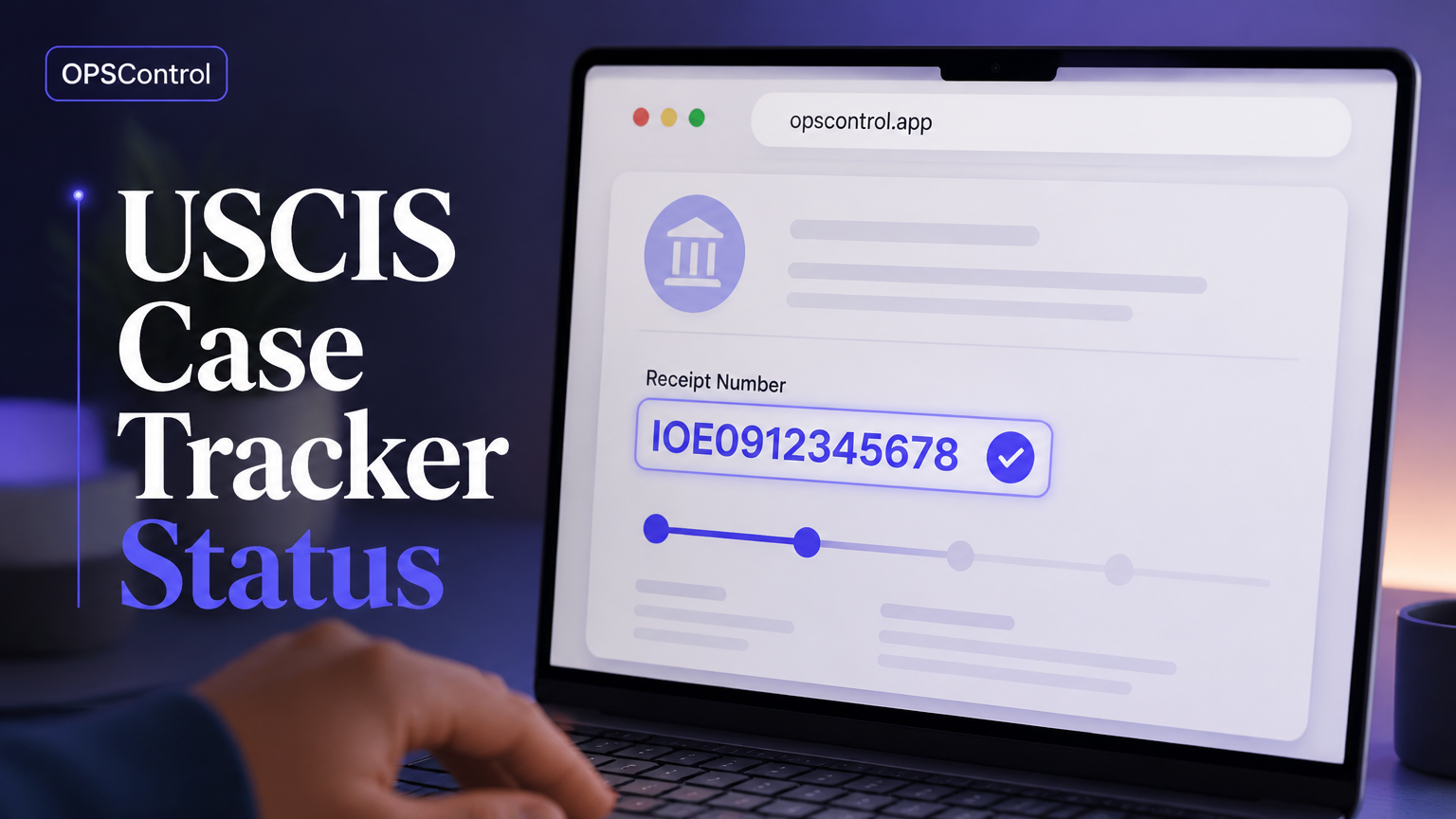
Before you can track anything, you need your receipt number. This 13-character code is printed on your Form I-797 (Notice of Action), the mailer USCIS sends after your petition is accepted. A typical receipt number looks like EAC-nnn-nnnnnnn and starts with the prefix of the service center handling your case.
If you cannot find your I-797, your sponsor or immigration attorney will have a copy. You cannot look up a case without the receipt number through the public status tool.
Step 2: Use the Official USCIS Status Tool
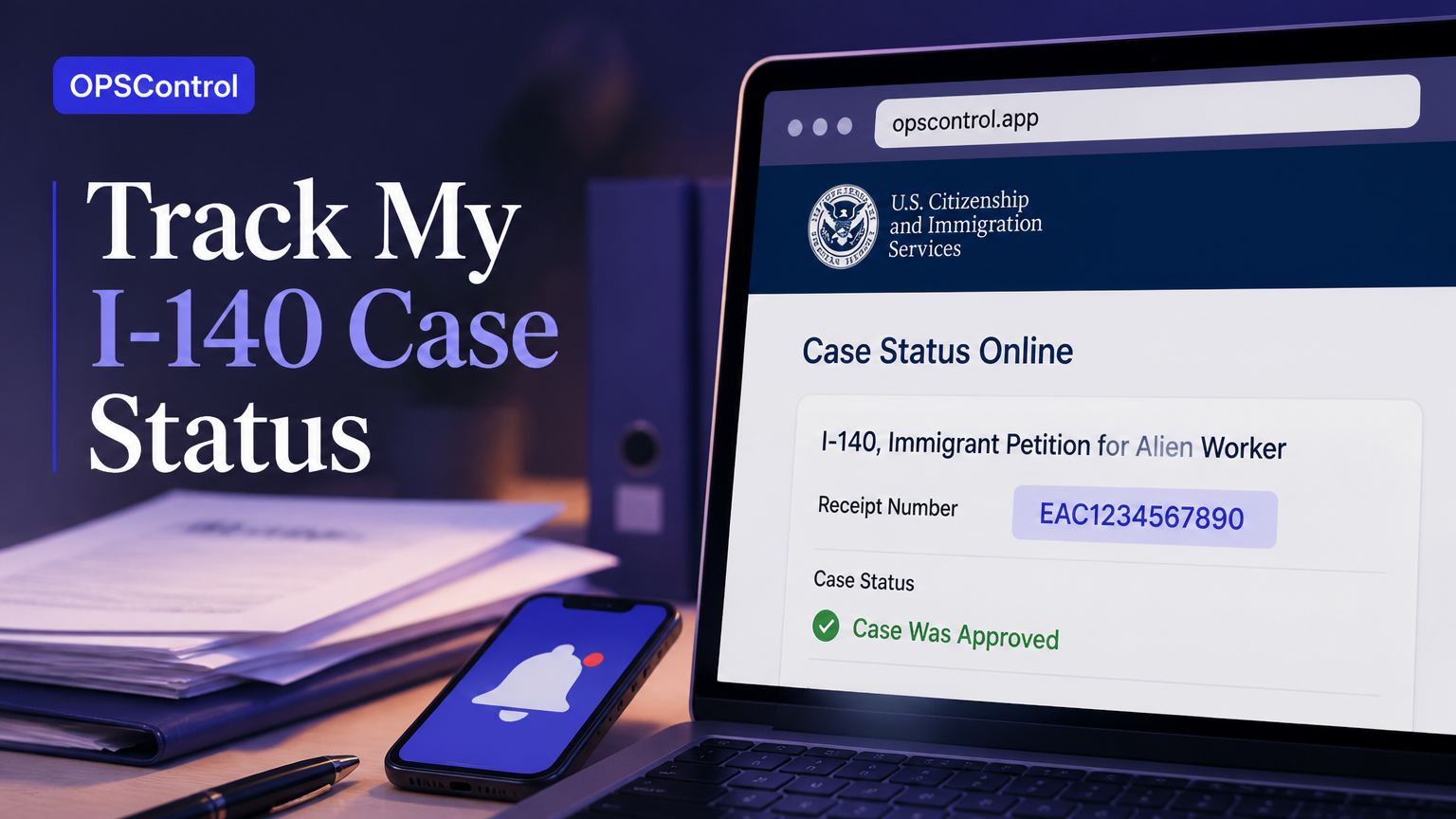
Go to the USCIS case status page, enter your receipt number exactly as printed, and press the button to check. The portal will return your current case status, the date of the last update, and a short explanation. This is the authoritative source for your case, and it is free.
Tip: copy your receipt number from your notice rather than typing it, to avoid confusing digits like 0 and O or 1 and I.
Step 3: Create a USCIS Online Account
For more detail, you can create a free USCIS online account. Filing or linking your I-140 there gives you a dashboard view, downloadable notices, and history in one place. Many applicants find this easier than re-entering the receipt number each time.
The online account is especially useful when USCIS sends notices, because the digital copy often appears before — or alongside — the paper mail.
What the Status Messages Mean
The most common I-140 status messages are easy to misread. "Case Was Received" means USCIS has your petition but has not begun placing it in line for active review. "Case Is Being Actively Reviewed" means an officer is looking at it — this is not a denial and is normal for long-staying cases. "Request for Evidence Was Sent" means you or your sponsor must supply more documentation by the deadline. "Case Was Approved" is the good one — you will receive a notice with your priority date. "Case Was Denied" is serious and triggers strict appeal or motion deadlines.
Why You Should Not Rely on Manual Checks
Checking the portal once a day might feel diligent, but it is not reliable. Status updates arrive at unpredictable intervals, and some updates — silent updates — never send you a notification at all. If your petition changes status between your checks, you simply will not know until the next time you look.
Automated monitoring removes that blind spot. A service such as OPSControl checks the same portal around the clock and alerts you instantly when anything changes, so you act on updates the day they happen, not days later.
How OPSControl Tracks Your I-140
OPSControl monitors your I-140 by checking the USCIS status pages continuously until your case reaches a completed status. You add your receipt number once. Every detected change — including silent updates — is recorded in a timeline you can review, and you receive a notification so you never miss a milestone.
The service is paid once, not monthly: $1.99 per case (a limited-time offer). It supports the major petition types, so the same monitoring works if you have a related I-485 or I-765 on file.
Frequently Asked Questions
Answers to the questions applicants ask most often about online I-140 tracking.