Every Case, One Way to Track It
Whether you are waiting on a family petition, a work permit, a green card, or citizenship, essentially every USCIS filing is tracked through the same system: a receipt number and the online case status tool. That consistency is a relief — learn it once, and you can track any form you or a family member files.
This guide explains how the tracker works, what each status message means, and how to stay informed without checking a portal all day.
Locating Your Receipt Number
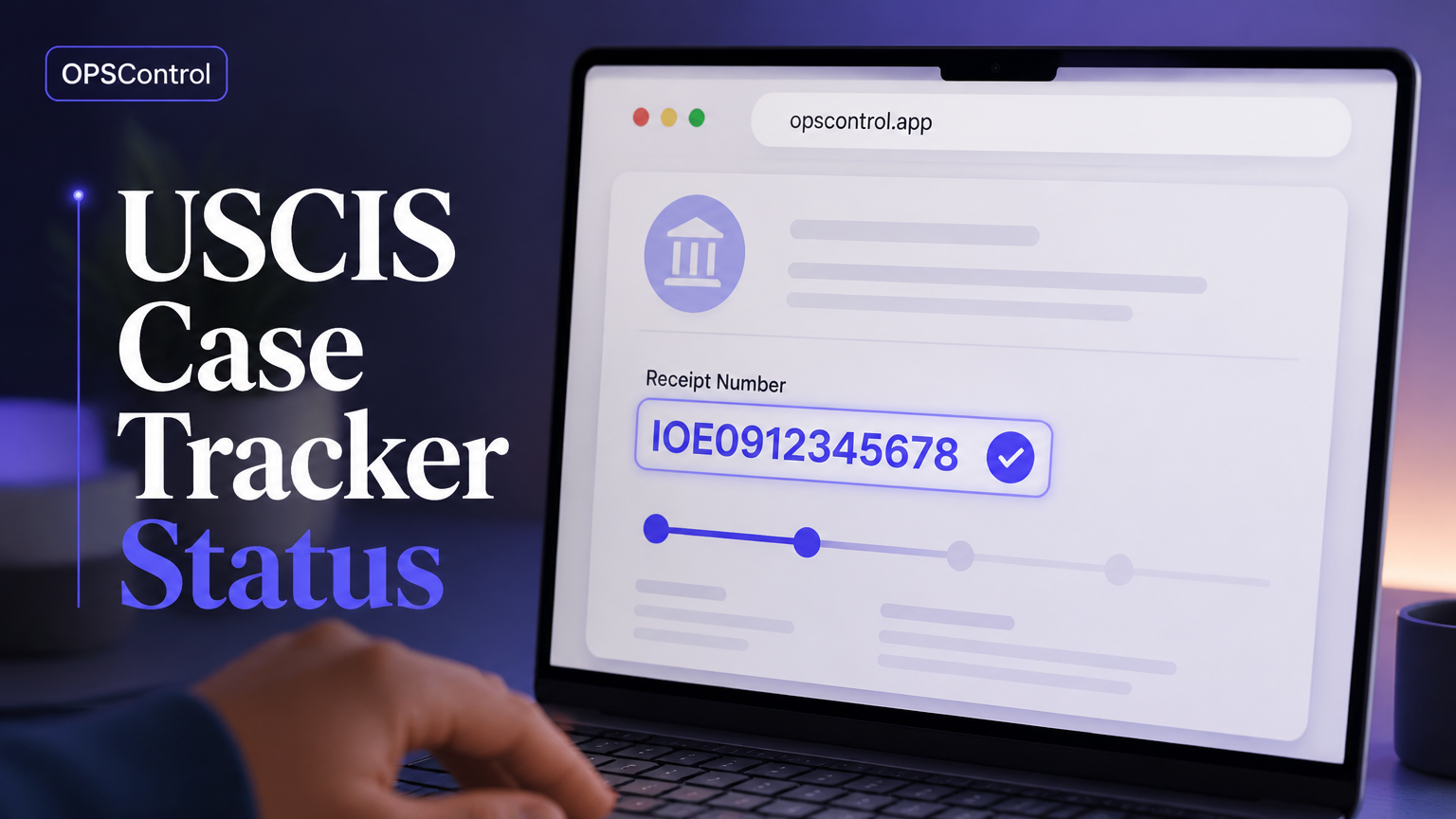
The receipt number is the key to everything. It is a 13-character code on the I-797 Notice of Action you receive after filing. It starts with the service center prefix (such as EAC, WAC, LIN, SRC, IOE, NSC, or MSC) and encodes information about your filing window.
Keep the I-797 somewhere safe, because you will need the receipt number repeatedly — for the online tool, for customer service inquiries, and for any tracker you set up.
Using the Official USCIS Status Tool
On the USCIS case status page, enter your receipt number and submit. The tool returns your current status message and the last-updated date. This is the authoritative, free source for your case. You can also create a USCIS online account for a fuller dashboard and electronic notices.
Be careful to copy the receipt number exactly. A single mistyped digit returns "no case found" and leaves you with a dead end.
What the Common Status Messages Mean
Most filings cycle through a handful of messages. "Case Was Received" means your filing has been accepted into the system. "Case Is Being Actively Reviewed" is the normal pending state. "Request for Evidence Was Sent" means you must supply more documentation by the deadline. "Case Was Approved" is the milestone. "Card Was Mailed To Me" ends the process for card-producing forms. "Case Was Denied" requires immediate attention because deadlines to respond are strict.
Each service explains these in its own words, but the meanings above hold across the major forms.
Why You Need More Than Manual Checking
The weakness of the official tool is that it is pull-based: nothing tells you to check. Status updates arrive at irregular intervals, and some are silent — the online record changes with no email or text. If you check weekly, you can sit on an update for a week without knowing.
For time-sensitive events — an RFE with a deadline, an approval before a document deadline, a card being mailed — that delay is exactly what you cannot afford.
How an Automated Case Tracker Works
An automated case tracker turns the pull-based tool into a push-based system. It checks the official status page continuously, compares each read against the last known state, and notifies you the moment something changes. The result is that silent updates become alerts, and you always have a current picture without effort.
OPSControl is built on exactly this model. Add your receipt number once, and it monitors until the case reaches a completed status, keeping a timeline of every change.
Which Forms Can You Track?
OPSControl supports the forms people track most: I-140, I-485, I-765, I-130, I-751, and N-400, among others. Because it reads the same official status pages the public tool reads, it covers the same petitions. You can add multiple cases to one account, so a family's filings can be watched together.
This breadth is what makes one tool useful across an entire immigration timeline — from petition through work authorization to the final card or certificate.
Privacy, Cost, and What to Expect
OPSControl is a one-time purchase: $1.99 per case (limited-time offer), with no subscription. Your receipt number is used only to query the public status page. OPSControl is not the government and does not give legal advice; its alerts reflect the official portal, and official notices remain the source of truth.
Set up takes a minute, and from then on the service watches for you until your case is done.
Frequently Asked Questions
Common questions about using a USCIS case tracker, answered.