The Information Gap in Immigration
Immigration is a long process, and one of its quiet frustrations is how hard it can be to stay current. The landscape shifts on two levels: agency-wide announcements (policy changes, new forms, processing-time updates) and your own case status (which can change at any hour, sometimes silently).
Staying informed on both levels means the difference between acting in time and finding out days later. This guide covers the official sources and how automated alerts close the gap.
The Official USCIS Sources for Announcements
For agency-wide news, the USCIS website is the hub. The newsroom publishes policy guidance, press releases, and updates on new requirements. A social media directory lists verified accounts where the agency shares breaking information. And the forms page is where you confirm the current version and fee of any form before you file.
For the movement of case processing, USCIS also publishes processing times per form and service center, which give you an honest sense of how long yours will take.
How Case Status Alerts Fit In
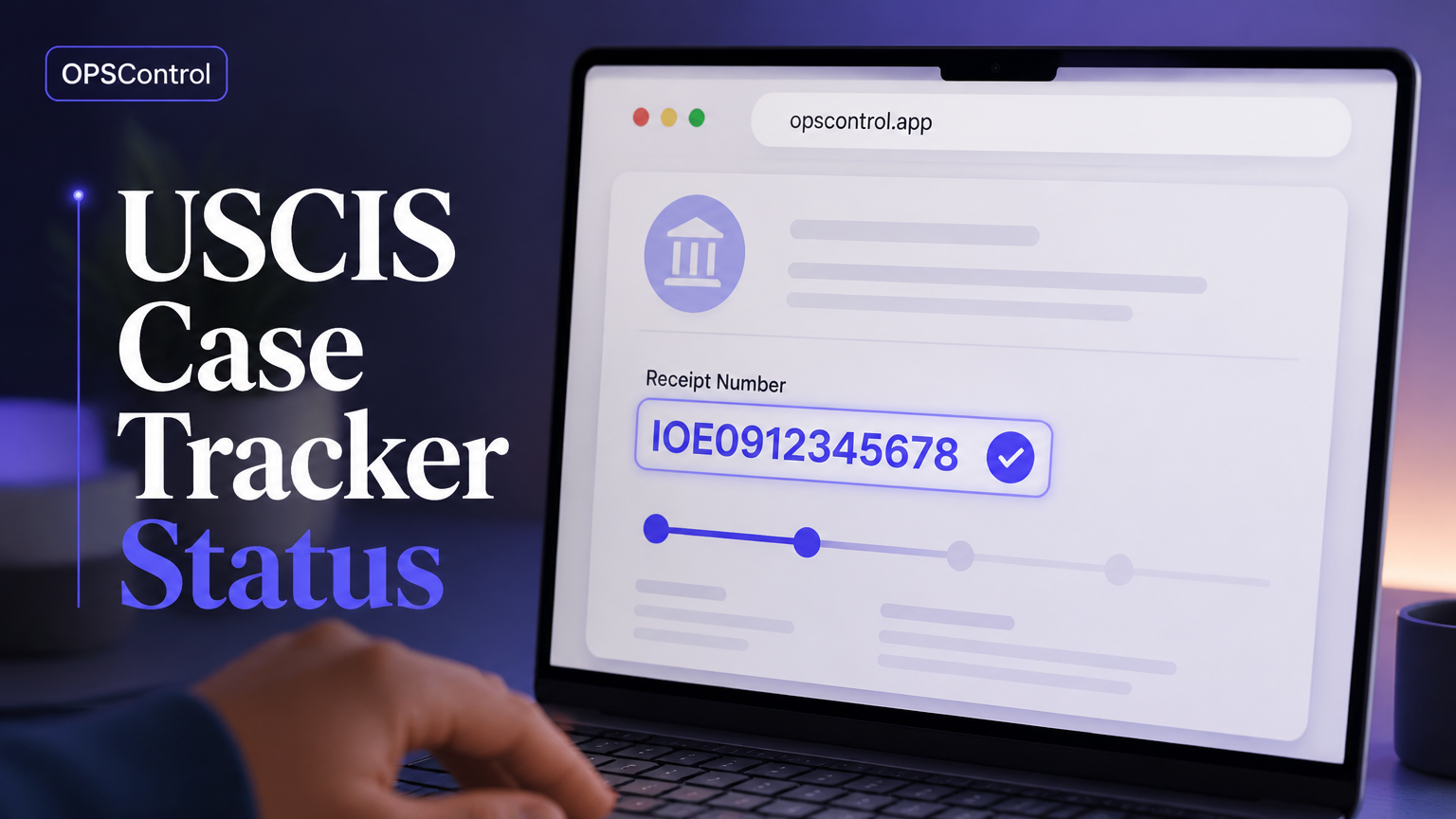
Your personal case has its own update stream through the official case status tool. But that stream is pull-based: USCIS does not push a notification when your case moves. So while the "latest update" exists the moment it is posted, learning about it is entirely on you.
That is where the notion of status alerts comes in — a way to turn a stream you have to poll into notifications that arrive on their own.
The Role of Automated Monitoring
Automated monitoring fills the pull/push gap. A service checks the official status page at frequent intervals, detects any change — including silent updates — and sends you a timely notification with a record in a timeline.
The value is consistency: you do not need to remember to check, and you are never left wondering whether something changed between your visits to the portal.
Keeping Up With Policy and Processing Changes
On the agency-wide side, the best habit is to check the official channels on a regular cadence and to read any notice that mentions your form category. Processing times move with demand, so the number on the website today may differ sixty days from now. Being aware of that context helps you interpret your own waiting time.
When official announcements drop, an alert system that watches case-specific pages does not cover the newsroom — but pairing a case tracker with a light habit of checking the official news keeps both levels covered.
A Practical Routine for Staying Informed
A workable routine looks like this: set up an automated tracker for each of your cases so status changes come to you. Check the official processing-times page for your form about once a month to calibrate expectations. Skim the USCIS newsroom occasionally for policy changes that touch your category. And keep your receipt numbers somewhere you can find them.
The tracker does the heavy lifting on your cases; the light monthly check covers the rest. Together they remove most of the manual effort from staying current.
How OPSControl Helps You Stay Up to Date
OPSControl is the automated layer of that routine. It monitors your petitions continuously until each reaches a completed status, alerting you the moment anything changes — including silent updates — and keeping a timeline of every change for review.
It supports the major forms — I-140, I-485, I-765, I-130, I-751, and N-400 — for a one-time fee of $1.99 per case (limited-time offer), with no subscription.
Frequently Asked Questions
Answers to common questions about tracking the latest USCIS alerts and updates.