

I-765 Tracking: What Applicants Need to Monitor
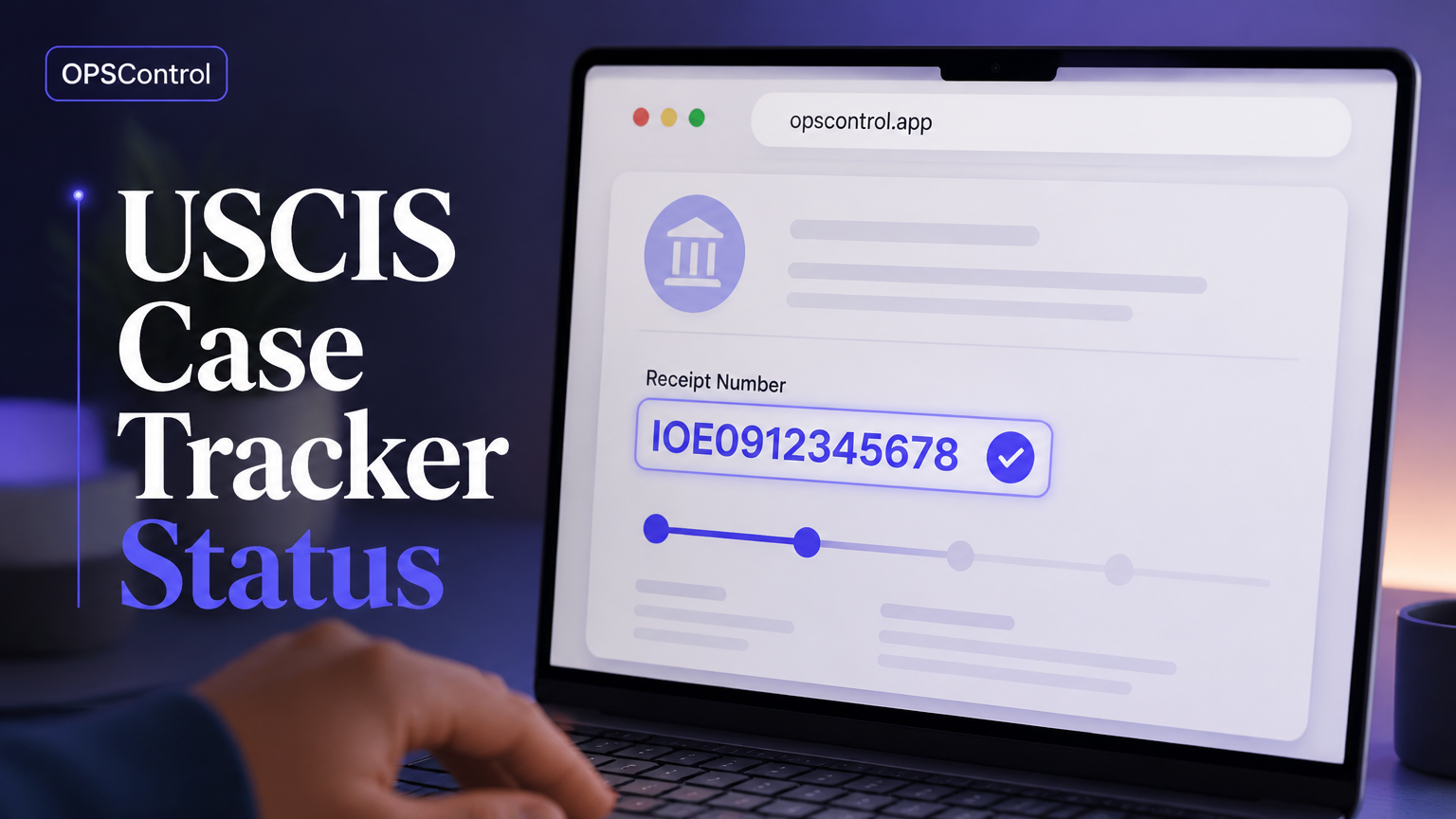
I-765 tracking starts with one essential detail: the USCIS receipt number assigned to your application. This 13-character identifier connects the filing to the online case status system. Form I-765 requests an Employment Authorization Document (EAD), often filed with pending adjustment, renewal, or another qualifying basis.
A typical monitoring routine: confirming USCIS accepted the filing, recording receipt number and form category, checking for status changes, and preserving a dated history. Applicants may need to coordinate employer start dates or renewals; families may monitor multiple receipt numbers.
Official resources: USCIS case status tool and the USCIS Form I-765 page are authoritative; third-party trackers add convenience but don't replace the USCIS record.
How to Check Your I-765 Case Status Online
Five steps: find the receipt notice (Form I-797), enter the receipt number carefully (no spaces/hyphens, watch zero vs. letter O), review the complete message, record the result with date and exact wording, and verify important changes (notices, evidence requests, card production).
Receipt Number, A-Number, and Visa Status Checks Explained
The receipt number identifies a specific I-765 case; each form filed may have its own number. An A-Number is a separate identifier not used in the public case status form. A "visa status check USCIS" differs from I-765 tracking. Links provided to I-485 tracker guide and general USCIS case tracker overview.
How to Interpret Common I-765 Status Messages
Case Was Received: filing recorded, not approval
Case Was Updated To Show Fingerprints Were Taken: biometrics recorded, not predictive
Request for Evidence: notice with deadline controls next steps; scan the notice, calendar the deadline
New Card Is Being Produced / Card Was Mailed: production/delivery stage, not physical document in hand
Case Was Approved: review notice for what was approved, validity dates, delivery details
I-765 Processing Times, Delays, and Follow-Up Options
Processing times are estimates, not promises. Verify receipt date, category, office, and current estimate before treating a case as delayed. If outside the published window, follow USCIS inquiry instructions. Track expiration dates separately; consult an attorney for category-specific rules; monitoring doesn't accelerate processing. Link to EAD renewal tracking guide.
USCIS Case Status Online vs. OPSControl for I-765 Monitoring
Comparison table: both offer manual status viewing; OPSControl adds continuous monitoring, Telegram alerts, change history, multi-case family support. Only competitors provide the underlying USCIS record; neither replaces USCIS notices or legal advice.
Why Choose OPSControl for I-765 Status Monitoring
Six bullet points: continuous monitoring until decision (ends automatically); Telegram notifications; complete change history; silent-update detection; one-time $1.99 per case (limited-time offer); monitoring utility, not government or legal service.
A Reliable I-765 Tracking Workflow for Individuals and Families
Five steps: create case inventory (applicant, form, receipt number, category, dates); confirm baseline status via USCIS page; add case to OPSControl with Telegram config; organize official notices in a folder; set response checkpoints asking about deadlines, documents, or professionals needed.
Common I-765 Tracking Mistakes to Avoid
Mistakes include: entering A-Number instead of receipt number; copying wrong receipt number; treating "case received" as pending approval; checking too frequently without adding information; ignoring physical mail (online updates and mail may not align); using trackers instead of legal analysis.
Is an I-765 Tracking Tool Worth the Cost?
Depends on attention required and cost of a missed update. Manual checking is free but repetitive; $1.99 one-time charge may suit applicants avoiding subscriptions. Families monitoring several cases get the same flat rate. OPSControl's value is operational consistency, not faster results. Verify how any service identifies cases, keeps history, handles notifications, and whether pricing recurs.