
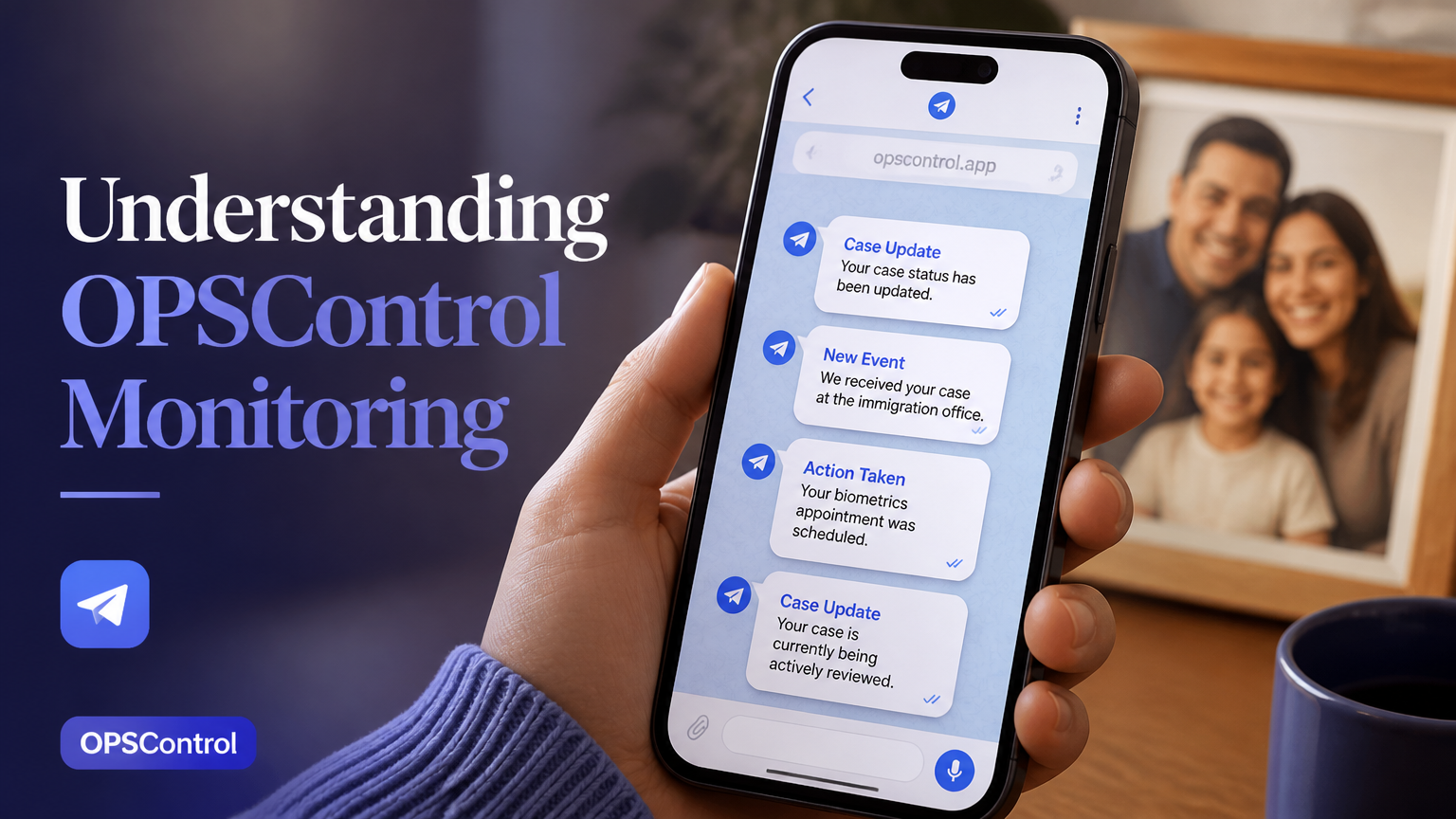
What is OPSControl and how does it work?
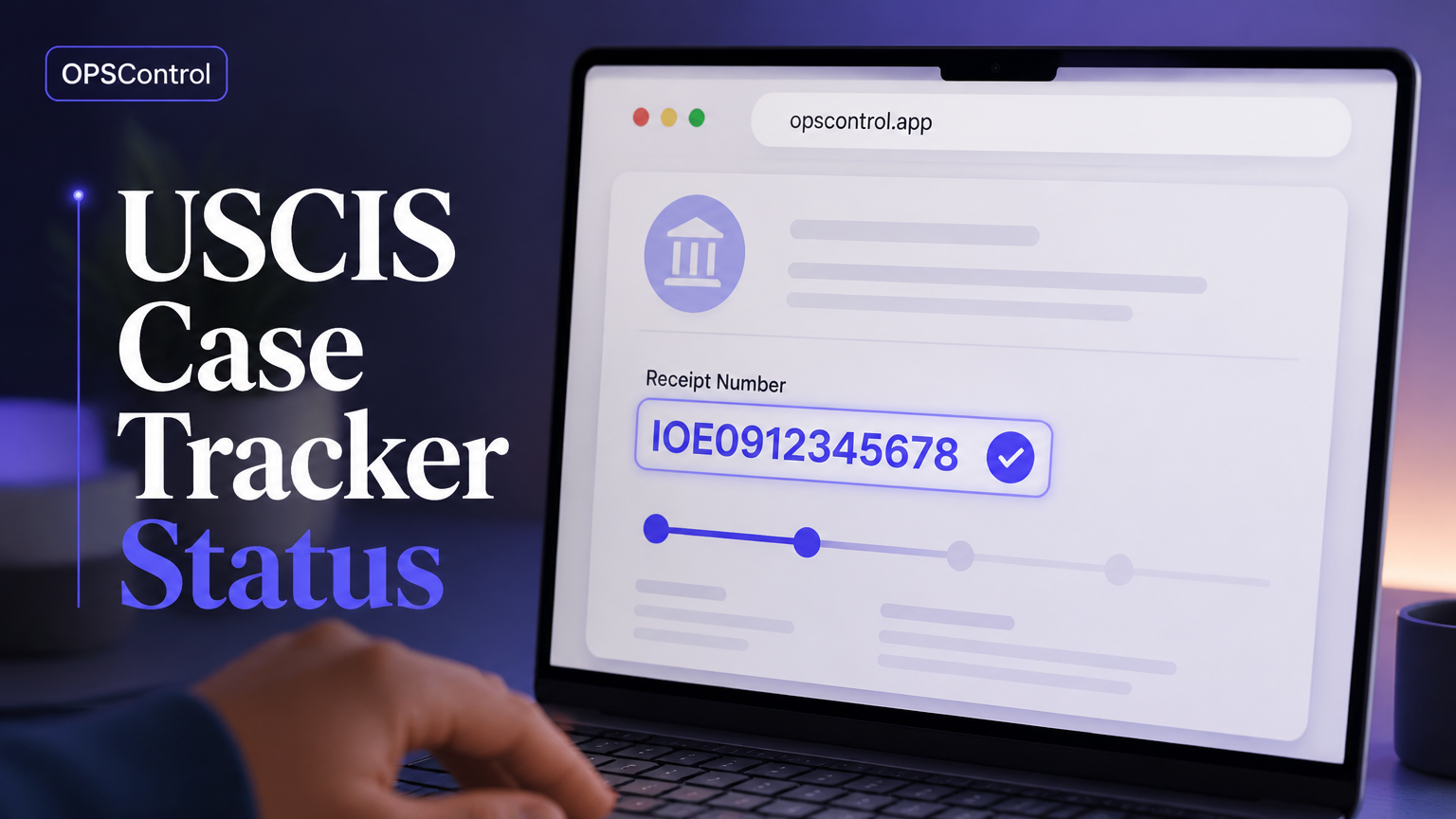
OPSControl is a USCIS case monitoring service designed for people who want to follow immigration filings without repeatedly opening the USCIS status page. It uses the receipt number associated with a case, checks for available status changes, and sends a Telegram notification when a new update is detected.
The service is useful for applications such as I-485, I-765, I-130, I-751, and N-400. A person waiting for a residence application update, an employment document filing, a family petition, a conditions-removal filing, or a naturalization filing can keep a running record instead of relying on memory or browser bookmarks.
This approach does not change a case, influence an agency decision, or predict an outcome. It simply reduces the need for manual checking and helps the applicant notice relevant movement sooner. The official USCIS case status tool remains an important source for reviewing the case directly.
A practical example is an applicant who checks a case several times each day while balancing work and family responsibilities. With automated monitoring, the applicant can spend less time refreshing a webpage and more time reviewing the meaning of a notice or deciding whether to contact an appropriate professional.
How to evaluate an immigration case monitoring service
Confirm the data source — Ask how the service obtains status information and whether the receipt number is the central identifier. A credible workflow should make clear that monitoring reflects available USCIS data and does not replace notices sent by the agency.
Check notification channels — Determine whether alerts arrive through a channel you already use. OPSControl is designed around Telegram notifications, while email or SMS may be preferable for users who do not regularly use messaging apps.
Look for history, not only alerts — A single notification can be easy to overlook. A chronological history of detected changes helps applicants review what happened, when it happened, and which filing was affected.
Ask about less visible updates — Some case activity may not appear as an obvious new message when a person checks manually. Look for a service that explains how it identifies silent updates and what limitations apply to that detection.
Compare the total cost — Separate one-time pricing from recurring subscriptions. For households with several filings, calculate the price per case.
Define the stopping point — Monitoring should have a clear lifecycle. OPSControl is described as continuing until the case reaches a concluded status, with monitoring ending automatically when the case is completed.
Manual USCIS checks versus automated monitoring
Manual checking has one clear advantage: it gives the applicant direct access to the government status page whenever they choose. It can also be sufficient for a straightforward filing when updates are infrequent and the applicant has a reliable reminder system.
The drawback is consistency. Someone who intends to check every Friday may miss a change that occurs on Tuesday, while someone who checks multiple times per day may lose time and feel more anxious without receiving additional useful information.
Government notices are still essential, particularly when a response, appointment, evidence submission, or deadline is involved. Digital monitoring should be treated as an additional awareness layer, not as permission to ignore mailed notices or documents in a USCIS online account.
The most useful evaluation question is not whether automation is always better. It is whether the time saved, notification preference, history feature, and cost fit the applicant's situation. A person with one low-priority filing may prefer a calendar reminder, while a family with five active cases may value centralized visibility.
Applicants who want a broader explanation of direct status checks can review this USCIS case tracker guide. It explains the basic status-checking process and provides useful context before someone decides whether additional monitoring is worthwhile.
Key OPSControl features for applicants and families
Receipt-number monitoring: Each case is connected to its USCIS receipt number, helping users organize multiple filings without repeatedly entering information into a status page.
Telegram notifications: When a monitored status change is detected, the service sends an alert through Telegram, which can be more convenient than remembering to visit a website.
Silent update detection: The monitoring workflow is intended to identify certain changes that may be easy to miss during ordinary manual checks. Users should still verify important developments through USCIS.
Complete case history: A timeline of detected changes gives applicants a record to consult before speaking with an immigration attorney, gathering documents, or reviewing a notice.
One-time payment model: The stated price is $1.99 per case, with no recurring subscription charge. Families can receive the same flat rate.
Broad form coverage: The service supports commonly monitored filings including I-485, I-765, I-130, I-751, and N-400.
Automatic completion: Monitoring ends when the case is concluded, reducing the risk of leaving an inactive filing in an open monitoring list.
Automation options: Telegram is the primary alert channel, while email, SMS, Stripe or PayPal payments, and Zapier may support alternative notifications or workflow connections where available.
When automated case monitoring is most useful
An I-485 applicant may use monitoring to notice movement before making practical preparations for a possible interview or document request. The alert does not indicate approval, but it can prompt the applicant to check the official record and organize materials without relying on a vague expectation that something may happen soon.
For an I-765 filing, timing can matter to employment planning. A notification can help the applicant remember to verify the official update, review any notice, and communicate responsibly with an employer. It should not be treated as proof that a document has been issued or that a person may begin work.
Families often face a different problem: several receipt numbers, different form types, and different applicants. A parent may follow an I-130, one family member may have an I-485, and another may have an I-765. A shared tracking routine and a one-time per-case pricing model can make this group easier to manage.
Attorneys, mobility teams, and nonprofit caseworkers may also benefit from a structured timeline, although monitoring does not replace case-management software, client communication, document control, or legal review. The person responsible for a case should establish who receives alerts and who verifies the underlying notice.
How to use alerts without misreading case activity
An alert is a prompt to verify information, not a legal conclusion. Status labels can be broad, abbreviated, or subject to later clarification through an official notice, so applicants should open the USCIS record and read any available correspondence before taking action.
Notification quality depends on several links in the chain: the receipt number must be entered correctly, the underlying status source must be available, the monitoring process must detect a change, and Telegram must be able to deliver the message. No notification system should be treated as a guarantee that every update will arrive immediately or that every possible change will be identified.
Set up a simple response protocol. First, record the date and case affected. Next, verify the change through USCIS. Then save the notice, identify any deadline, and ask a qualified immigration attorney for advice when the situation requires legal interpretation.
Avoid three common mistakes. Do not assume a notification means a favorable decision, do not discard mailed correspondence because an app is monitoring the case, and do not share a receipt number publicly. A receipt number is not the same as a complete case file, but it should still be handled carefully.
Is OPSControl worth the cost for your situation?
The answer depends on the value of reduced manual effort and better organization. At $1.99 for one case as a one-time charge, the comparison is different from a service that bills every month, especially when a filing may remain pending for a long period.
Consider a household with four cases. Its decision may be based on convenience, alert preference, and the importance of maintaining separate timelines. The flat $1.99 price per case applies regardless of how many cases you add; confirm the current checkout terms before paying.
A useful decision rule is to estimate how often you check manually, how costly a missed prompt could be, and whether several people need visibility. If you check once per month and already have reliable reminders, automation may offer limited additional value. If you check daily or coordinate many receipt numbers, continuous monitoring may be more appealing.
Before choosing any service, review privacy practices, payment terms, supported filing types, account recovery procedures, and the process for removing a completed case.
Best practices for setting up a reliable monitoring routine
Gather the original receipt notices — Use the receipt number exactly as shown on the USCIS notice. Check for common transcription errors, including confusing letters and numbers or omitting a character.
Match each case to a person and form — Create a private label such as Applicant A, I-485, or Parent I-130. Avoid placing unnecessary personal details in notification previews or shared chat groups.
Connect and test Telegram — Confirm that the correct Telegram account receives the setup message and that notifications are enabled on the device. A test notification helps identify muted chats or incorrect account settings.
Keep official contact details current — Monitoring does not update an address, email, or phone number with USCIS. Use the appropriate USCIS process for changes and keep copies of submitted confirmations.
Review every meaningful alert — Open the official case record, save the relevant notice, and record any response date. If the status is unclear or legally significant, seek advice from a qualified immigration attorney.
Limitations, privacy, and responsible use
OPSControl is a monitoring tool, not a government portal, law firm, or substitute for professional advice. It can help organize status information, but it cannot explain the legal effect of a notice for a particular person or determine what evidence should be submitted.
Users should also distinguish operational convenience from legal reliability. A timeline is valuable when preparing for a consultation, but an attorney or accredited representative may need the complete filing history, notices, correspondence, and supporting evidence to assess a case.
Privacy deserves attention when multiple people share a household account. Limit access to the Telegram chat, use device security controls, and avoid forwarding notifications that contain case identifiers to public channels. Employers and nonprofit teams should establish permission rules before monitoring cases for someone else.
A responsible system creates a clear chain of verification: notification, official source, saved notice, calendar entry, and professional review when necessary. That process reduces avoidable confusion while keeping the applicant in control of important decisions.